How Much Does a Custom WordPress Website Cost?
Understand what drives custom WordPress website costs, compare project scenarios, and prepare a clearer brief for a more reliable estimate.
Read guideIntegrx.co is a public example of translating approved visual layouts into a responsive, editable WordPress website while preserving detailed motion and interaction.
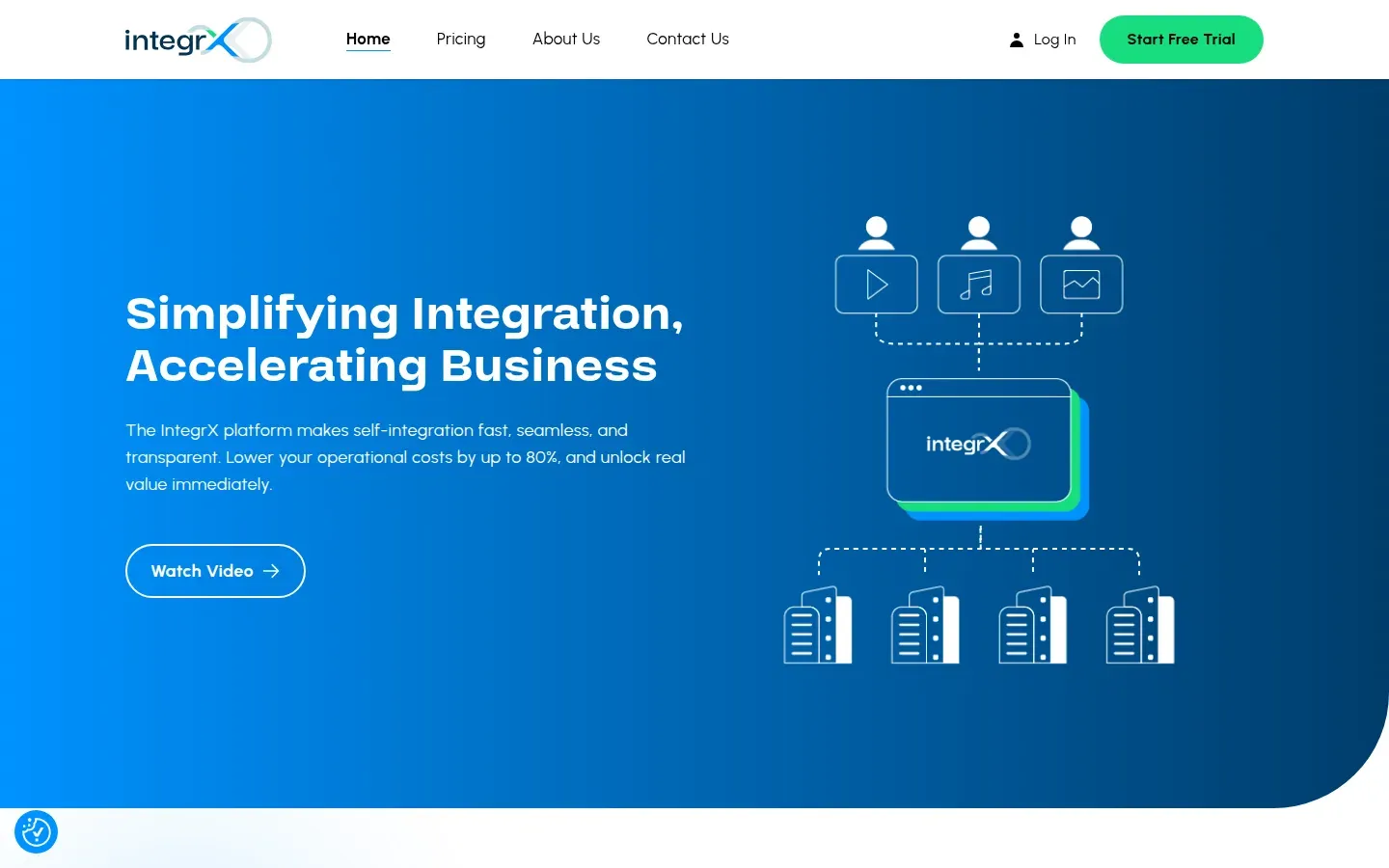
Live homepage screenshot captured from integrx.co.
Marga’s role was implementation developer: Marga implemented approved Figma designs as a custom WordPress site using ACF, GSAP, and LottieFiles. Marga did not create the visual design.
Approved Figma layouts provided the visual source for the website implementation.
Turn that direction into a responsive, editable WordPress experience without losing its interaction details.
Implement the responsive website, managed content workflow, and interaction behavior.
The visual design came from the supplied files; Marga’s contribution was implementation, not design authorship.
Turn the supplied pages and content needs into the site’s WordPress page structure.
Decide what editors need to manage while retaining the intended page structure.
Carry the approved visual direction into layouts that work across supported screen sizes.
Bring the specified motion into the working responsive layouts as part of the final interface.
The custom website foundation and publishing environment.
Managed content fields for the editable experience.
Motion and interaction behavior specified for the site.
Animation assets supporting the approved interaction details.
Preserve the approved visual hierarchy while adapting each layout beyond a fixed Figma frame.
Give content a practical ACF workflow while keeping it within the intended page structure.
Keep interaction details connected to layouts that change across screen sizes.
The public outcome is a live responsive custom WordPress website with ACF-managed content and GSAP/LottieFiles interactions. The live site and captured homepage provide a public reference for the implementation; no performance or business metrics are claimed here.
These guides unpack the design, content, and motion decisions that connect to this WordPress case study.
Understand what drives custom WordPress website costs, compare project scenarios, and prepare a clearer brief for a more reliable estimate.
Read guideA balanced ACF vs Gutenberg guide for choosing structured fields, blocks, or a hybrid editing model for a custom WordPress marketing site.
Read guideA practical guide to adding GSAP to WordPress marketing sites without avoidable loading, main-thread, responsive, or accessibility costs.
Read guideMy practical process for turning Figma designs into a custom WordPress theme, from handoff and content modeling to responsive QA and launch.
Read guideShare the approved designs, content workflow, required interactions, and current project context. The Custom WordPress Development service explains the implementation path, or you can start with a practical conversation.