The honest answer is that a custom WordPress website does not have one defensible price. Two sites can look similarly polished while requiring very different work behind the interface.
One might use a small set of repeatable templates, supplied content, and standard forms. Another might need a tailored content model, a large migration, several integrations, complex motion, and careful handling of old URLs. Calling both projects “a custom WordPress website” does not make their budgets comparable.
I do not publish a universal range because I do not have enough first-hand evidence to claim that one range represents every custom WordPress project, market, or delivery team. A useful estimate starts with the work being priced, the assumptions behind it, and the responsibilities on both sides.
This guide explains the main cost drivers, shows how different project scenarios change the scope, and gives you a checklist for requesting a more reliable proposal.
The short answer
A custom WordPress website usually costs more when it requires more distinct systems to design, build, populate, connect, and verify.
The most important cost drivers are:
- the readiness and scope of content and design
- the number of genuinely different templates and components
- the content model and editing workflow
- custom functionality and third-party integrations
- the amount and condition of content being migrated
- responsive states, interaction, and animation
- accessibility, browser, content, and launch QA
- schedule constraints and approval dependencies
- uncertainty around requirements, ownership, and responsibilities
Page count matters, but it is rarely enough to price a project. Twenty pages assembled from three established templates may involve less implementation work than six pages with six unique layouts and separate interaction rules.
A responsible proposal should therefore describe what is included, what is assumed, what remains uncertain, and which costs continue after launch. If those details are missing, a low total and a high total may be pricing different projects rather than offering different prices for the same work.
1. What “custom WordPress website” means here
In this guide, a custom WordPress website is a site whose implementation is shaped around a particular design, content structure, editing workflow, or required functionality. That can include a custom theme, custom blocks or fields, project-specific templates, integrations, or focused plugin work.
Custom does not need to mean that every line starts from an empty file. WordPress core, established plugins, development libraries, and a starter theme can all be responsible foundations. The custom work is in deciding how those parts support the project and implementing what is genuinely specific to it.
It is useful to separate three approaches:
| Approach | What it usually involves | The main budgeting question |
|---|---|---|
| Configure an existing theme | Select a theme, apply brand settings, assemble supported layouts, and add established plugins | How closely do the requirements already fit the theme? |
| Adapt an existing theme | Extend or override templates, styles, blocks, and behavior beyond the theme’s standard options | Will the adaptations remain understandable and maintainable? |
| Build a custom theme | Create the templates, components, content controls, and front-end behavior around the approved requirements | Which requirements justify the additional implementation and QA? |
None is automatically the best value. If an existing theme already supports the website’s job, adapting the business to a bespoke build may waste budget. If a project repeatedly fights a theme’s assumptions, continued adaptation may cost more than choosing a foundation designed around the real requirements.
The first budgeting decision is therefore not “How much is WordPress?” WordPress is free software published under the GPL, but a production website still requires planning, design, implementation, content, infrastructure, and ongoing ownership. The useful question is: what work does this website need beyond installing WordPress?
2. The main cost drivers
Templates and component variety
A template is a repeatable page structure, such as a standard page, service detail, article, case study, or landing page. A component is a reusable part inside those templates, such as a hero, card grid, testimonial, form, or call to action.
Cost grows with the number of distinct structures and states—not simply with the number of URLs. Each new template or component may require:
- an agreed purpose and content structure
- desktop, narrow-screen, and intermediate layout behavior
- states for missing, short, long, or repeated content
- WordPress editing controls
- semantic markup and keyboard behavior
- styling, implementation, review, and regression testing
Reuse can reduce work when the repeated item is genuinely the same system. It does not help when unrelated sections are forced into one highly configurable component that becomes difficult for editors and developers to understand.
Content model and editing workflow
The visible page is only one side of a WordPress build. The editing experience also needs a structure.
A project may use named fields, Gutenberg blocks, curated patterns, or a hybrid. The choice affects how content is stored, validated, previewed, reused, and maintained. A simple set of fixed fields is different in scope from a flexible block library with multiple variants, locking rules, and editor previews.
Questions that affect the estimate include:
- Which values should editors control?
- Which layout decisions should the templates protect?
- Are there reusable people, locations, services, testimonials, or resources?
- Does content need relationships, filtering, search, or shared global settings?
- What should happen when optional content is absent or unexpectedly long?
- Who needs training or documentation?
My ACF vs Gutenberg decision guide explores that architecture choice in detail. For budgeting, the important point is that “make it editable” is not a complete scope. The proposal needs to describe what can be edited and how.
Integrations and custom functionality
A contact form that sends one notification is not equivalent to a form that routes leads into a CRM, applies consent rules, triggers an email service, and reports events to analytics.
Integrations add work because the website depends on another system’s data, authentication, API, limits, error behavior, and ownership. The estimate may need to cover:
- account and credential setup
- field and data mapping
- authentication and permissions
- success, validation, timeout, and failure states
- test or sandbox environments
- privacy and consent requirements
- monitoring and a plan for API changes
The same applies to search, membership, ecommerce, multilingual content, gated downloads, booking, maps, and other functionality. An established plugin may be the right answer. Custom development is justified only when the available options do not responsibly meet the requirement.
Content migration
“Move the existing content” can describe anything from copying a small set of reviewed pages to transforming years of inconsistent posts, media, metadata, users, and redirects.
A migration estimate becomes more reliable after an inventory answers:
- How many content records and media files exist?
- Which content should be kept, rewritten, combined, archived, or removed?
- Is the source structured consistently enough for an automated import?
- How will old fields map to the new model?
- Which URLs must remain, and which need redirects?
- Who verifies the migrated content?
Automation can reduce repetitive work, but it does not remove mapping and verification. A successful import can still produce incorrect headings, broken embeds, missing alternative text, unsuitable image crops, or content in the wrong field.
Interaction and motion
A static approved layout and a motion-rich interface are different scopes. Animation requires decisions about triggers, timing, interruption, loading, responsive behavior, and reduced-motion alternatives.
A small, purposeful transition may have a limited effect on the estimate. Multiple scroll sequences, custom animated assets, pinned sections, or interactions with several states require more implementation and testing. If the motion is decorative and the budget is constrained, a well-composed static experience may be the better choice.
Schedule and approval dependencies
A target date does not determine a price by itself, but it changes which delivery plans are credible. An immovable campaign or event date may require a smaller first release, earlier content decisions, fewer review cycles, or parallel work that would otherwise happen in sequence.
Calendar time also differs from implementation effort. A developer may finish one phase while the project waits for content, credentials, legal review, or stakeholder approval. If those dependencies are unknown, an estimate needs to state the assumption rather than promise that the date is secure.
Useful proposals identify who supplies each input, when it is needed, how feedback is consolidated, and what can be phased if a dependency slips. A constrained schedule should make priorities clearer; it should not be used to manufacture urgency.
Quality assurance and launch risk
QA is part of the build, not an optional final look. The required depth depends on the site’s audience, content, functionality, browser support, and operational risk.
A proposal may need to account for:
- responsive behavior between supplied designs
- real-device and agreed browser checks
- keyboard navigation and visible focus
- headings, labels, errors, contrast, and reduced motion
- forms, notifications, analytics, and integrations
- real, missing, and unusually long content
- image, font, script, and loading behavior
- redirects, metadata, indexing, DNS, and launch checks
A page that matches one desktop frame is not yet a verified website. My Figma-to-WordPress workflow explains how these implementation details emerge from an approved design handoff.
3. Custom theme versus adapting an existing theme
An existing theme can reduce initial work when its templates, editor controls, and responsive behavior already fit the project. The budget benefit becomes less clear when the build needs many style overrides, replacement templates, restricted editor options, or repeated regression testing after theme updates.
A custom theme moves more work upfront: the templates, components, content controls, responsive states, and fallbacks must be implemented deliberately. That can be justified when the approved design, content model, or editing workflow would otherwise require extensive adaptation.
For a cost comparison, ask only:
- What fits the existing theme without modification?
- Which overrides must be built and maintained?
- Which compromises would remain?
- Who owns compatibility testing after updates?
- Would a smaller middle path meet the important requirements?
That middle path might use a suitable theme with a few project-specific patterns, a focused child theme, or one custom template for the page type that needs it. Compare the whole implementation and maintenance scope—not a “cheap theme” with an undefined custom build.
4. Three project scenarios—and why their budgets differ
These scenarios are not price bands or promises. They show why a project should be estimated from its requirements rather than its label.
Scenario A: a focused brochure website
The team supplies an approved visual direction and final content. The website uses a small set of repeatable page templates, standard navigation, a simple enquiry form, and no legacy migration beyond a few manually reviewed pages.
This is the most contained scenario because the component vocabulary, content model, and integration surface are small. The estimate can become reliable early if the designs include responsive states and the content is genuinely ready.
A pre-built theme may be sufficient if its visual and editing constraints fit. A custom theme should need a clear justification, such as a distinctive approved design or a deliberately structured editing experience.
Scenario B: a growing marketing website
The website has service pages, case studies, team profiles, resources, and campaign landing pages. Editors need reusable content, curated page-building options, previews, and clear controls. The build includes CRM form routing, analytics events, redirects, and content migrated from the existing site.
The visible page count does not explain most of the scope. The budget is shaped by the number of content types and components, the relationships between them, the migration map, integration testing, and the flexibility promised to editors.
This scenario benefits from early agreement on templates and publishing jobs. Without that agreement, “flexible” can become an open-ended request for every section to support every arrangement.
Scenario C: an interaction-led custom implementation
The supplied designs include distinctive responsive layouts, bespoke interactions, animated assets, and several component states. Content is managed in WordPress, while forms and other data connect to external services. Stakeholders expect detailed review across devices and input methods.
This scenario carries more implementation and QA work even if it has fewer pages than Scenario B. The motion needs fallback behavior, the external systems need failure handling, and the design must work outside the exact frames shown in Figma.
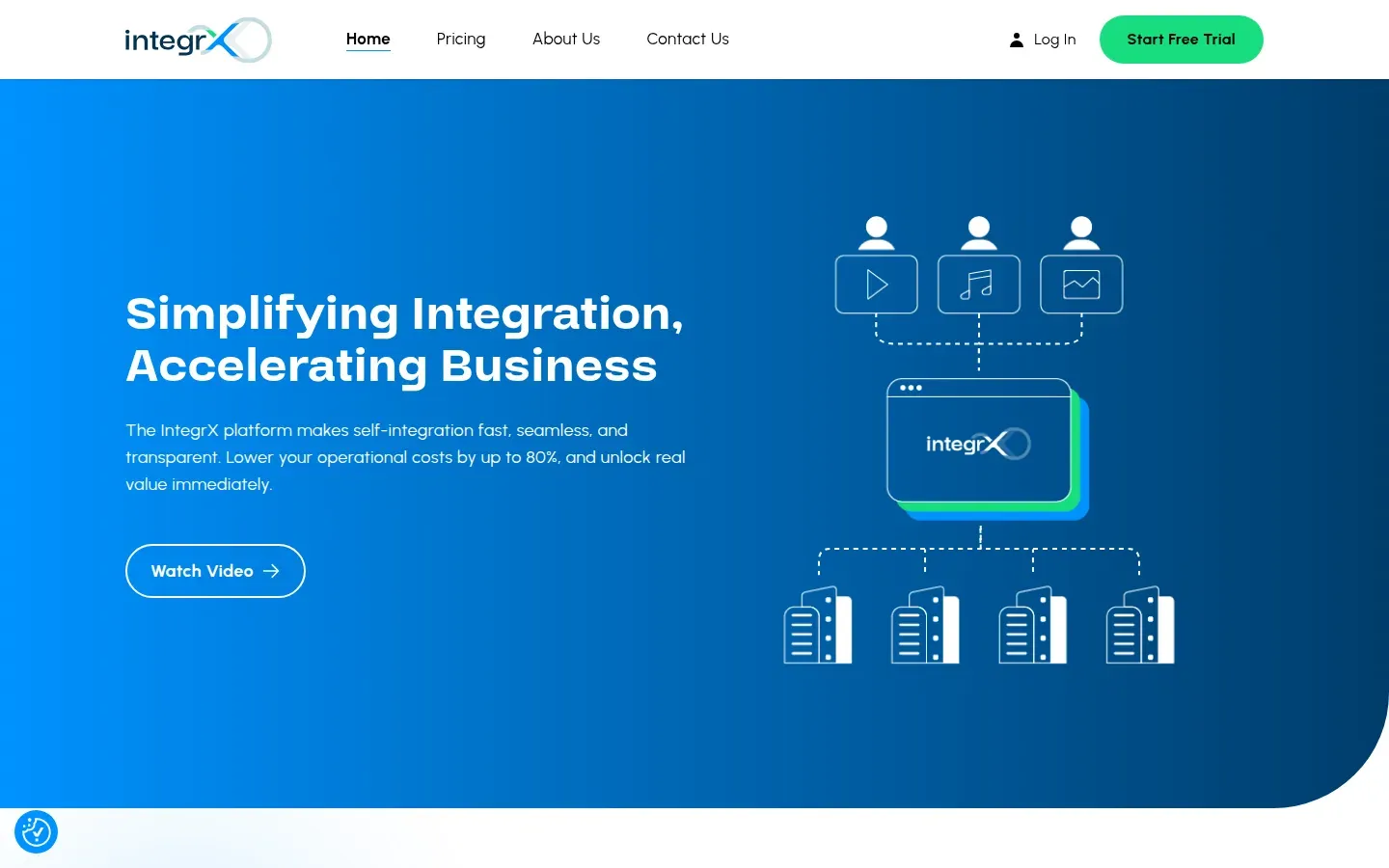
Integrx is a public example of approved Figma layouts implemented as a responsive custom WordPress site with ACF-managed content and GSAP/LottieFiles interactions. It demonstrates one kind of project scope; its budget, schedule, performance, and business results are not disclosed or implied.
These scenarios may look like variations of a marketing website from the outside. They are different bodies of work. A useful proposal makes that difference visible.
A range-free estimate can still be concrete when it accounts for the same workstreams in every scenario:
| Workstream | Scenario A: focused brochure | Scenario B: growing marketing site | Scenario C: interaction-led build |
|---|---|---|---|
| Discovery and planning | Confirm a contained page and component set | Define several content types, relationships, and publishing jobs | Resolve component states, motion intent, fallbacks, and external dependencies |
| Design input | Review an approved direction and responsive gaps | Review a broader system across templates and real content | Inspect detailed responsive, interaction, and asset specifications |
| WordPress implementation | Build or configure a few repeatable templates | Build a reusable component system and richer editor workflow | Build tailored templates plus bespoke interaction behavior |
| Content and migration | Place supplied content with limited manual transfer | Map, import, clean, and verify existing structured content | Model managed content and test it against complex layouts and states |
| Integrations | Connect and test a standard enquiry path | Connect CRM, analytics, or other defined services | Handle multiple services, data flows, errors, and interaction dependencies |
| QA and launch | Verify the agreed templates, form, content, and release | Verify templates, migration, redirects, editor behavior, and integrations | Verify detailed responsive states, input methods, reduced motion, assets, and integrations |
| Ongoing cost | Hosting, accounts, updates, and agreed support | Infrastructure, licenses, integrations, updates, and editorial support | Infrastructure, licenses, external services, custom behavior, and specialist support |
This is not a scoring system. Its purpose is to expose whether a proposal has priced each applicable workstream and assigned an owner to the remaining work.
5. Commonly overlooked costs
The build estimate is not the complete cost of owning a website. Ask which items are included, which are supplied by you, and which continue after launch.
Content and design
Copywriting, content editing, image selection, illustration, photography, video, and final design may be separate from development. “Content supplied by the client” should state the required format, owner, and delivery date. Placeholder content can keep a build moving, but late real content often exposes layout and migration work that was not visible earlier.
Domain, hosting, and email delivery
A production WordPress site needs a suitable hosting environment, domain ownership, HTTPS, backups, and a reliable way to send transactional email. WordPress documents baseline server-side installation requirements, but meeting a minimum does not select the right hosting plan, support model, or backup process for a particular site.
Confirm who owns each account, who can access it, and whether staging, backups, security controls, monitoring, or migration support are included.
Plugin, theme, font, and asset licenses
A project may rely on paid plugins, a commercial theme, fonts, stock media, or animation assets. Record:
- which licenses are required
- whether they are one-time or recurring
- who owns the account
- how many environments or sites the license covers
- what happens if the license is not renewed
- whether an alternative is available
A plugin can reduce custom development while introducing an ongoing dependency. That can still be the best tradeoff; it should simply be visible in the proposal.
Maintenance and support
WordPress core, themes, and plugins continue to receive updates. WordPress’s own documentation treats core, plugin, and theme updates as separate ongoing tasks.
Ask what happens after launch:
- Is there a defined defect or warranty period?
- Are backups, updates, security review, and uptime monitoring included?
- Who checks the site after an update?
- Is editor support available?
- Are future content or feature changes quoted separately?
A maintenance agreement is not automatically included in a custom build, and not every site needs the same support arrangement.
Third-party services
CRM, email marketing, search, consent, analytics, maps, video, spam protection, ecommerce, booking, and other services may have their own plans or usage charges. The development proposal should distinguish the cost of connecting a service from the cost of subscribing to it.
6. What makes an estimate more accurate
An estimate becomes more reliable as decisions and evidence replace assumptions. You do not need to make technical choices before speaking to a developer, but you should make the known constraints visible.
The most useful inputs are:
- A clear outcome. Explain what the current site fails to support and what should be different after the project.
- A page and content inventory. List known URLs, page types, recurring content, and material that may need migration.
- Design status. Share whether the project has approved Figma designs, an early direction, brand guidelines, or no design yet.
- Editing jobs. Describe who publishes what, how often, and which changes currently require help.
- Functional requirements. Name forms, search, accounts, ecommerce, languages, downloads, and other required behavior.
- Integration details. Identify the external services, account owners, documentation, and available test environments.
- Quality and compliance constraints. Record browser support, accessibility expectations, privacy or legal review, and internal approval requirements.
- Launch dependencies. Include content delivery, stakeholder approvals, domain access, campaigns, fixed events, and blackout periods.
- Budget constraints. A budget is not permission to inflate a quote. It helps determine whether the proposed scope is viable and where a simpler option may be more responsible.
A paid discovery or technical audit may be appropriate when the existing site, migration, or integration cannot be understood from public pages and a short brief. That work should have a clear output, such as a content inventory, technical findings, risk register, or implementation scope.
7. What to include when asking for a proposal
You can request a more comparable proposal with the following information:
- Current website: URL, platform, known problems, and any access limitations
- Project objective: the visitor or business outcome the site should support
- Audience: who uses the site and the main action they should take
- Scope: known pages, content types, languages, and functionality
- Content: what exists, what is final, what needs migration, and who owns revisions
- Design: links to approved files, prototypes, brand assets, and unresolved states
- Editing: the recurring tasks the team should complete in WordPress
- Integrations: services, required data flows, account ownership, and documentation
- Constraints: accessibility, browser, security, privacy, hosting, and legal requirements
- Process: decision-makers, reviewers, approval stages, and procurement needs
- Budget: the available range or limit, plus priorities if the full scope does not fit
- Timing: the target date, why it matters, and which dependencies are already fixed
Ask the proposal to separate:
- included deliverables
- client-supplied inputs
- assumptions and exclusions
- third-party costs
- review rounds or change handling
- launch responsibilities
- post-launch support
- optional or phased work
This makes it easier to compare approaches rather than totals alone. One proposal may include content migration and launch support while another assumes your team will handle them. Without that distinction, the numbers are not directly comparable.
8. Budget-readiness checklist
Before requesting an estimate, check what you can answer today:
- We can describe the main problem and desired outcome.
- We have listed the known pages and recurring content types.
- We know whether content will be reused, rewritten, or migrated.
- We can share the current design status and available brand assets.
- We have described what editors need to update after launch.
- We have listed forms, integrations, and custom functionality.
- We have identified the owners of domains, hosting, licenses, and external services.
- We have recorded accessibility, browser, privacy, or legal constraints.
- We know who reviews the work and who gives final approval.
- We can explain the target date and its dependencies.
- We can share budget constraints and the priorities to protect if scope needs to change.
- We will compare assumptions, exclusions, recurring costs, and support—not only the headline total.
You do not need every answer before starting a conversation. Unknowns are normal. Marking them as unknown is more useful than hiding them inside a fixed-price request.
Get an estimate for a defined scope
If you are considering custom WordPress development, send me the current site, approved design if one exists, content and migration needs, required integrations, and known budget constraints through the contact page. I can help identify whether a custom theme is justified, whether a simpler foundation is enough, and which unknowns need to be resolved before a reliable proposal is possible.