I didn’t expect to switch editors.
I’ve been using VS Code for more than six years. It has been my primary editor across multiple jobs, personal projects, and many small experiments. It never gave me a strong reason to leave.
That changed recently.
Not because VS Code became bad.
But because the way I write software has changed.
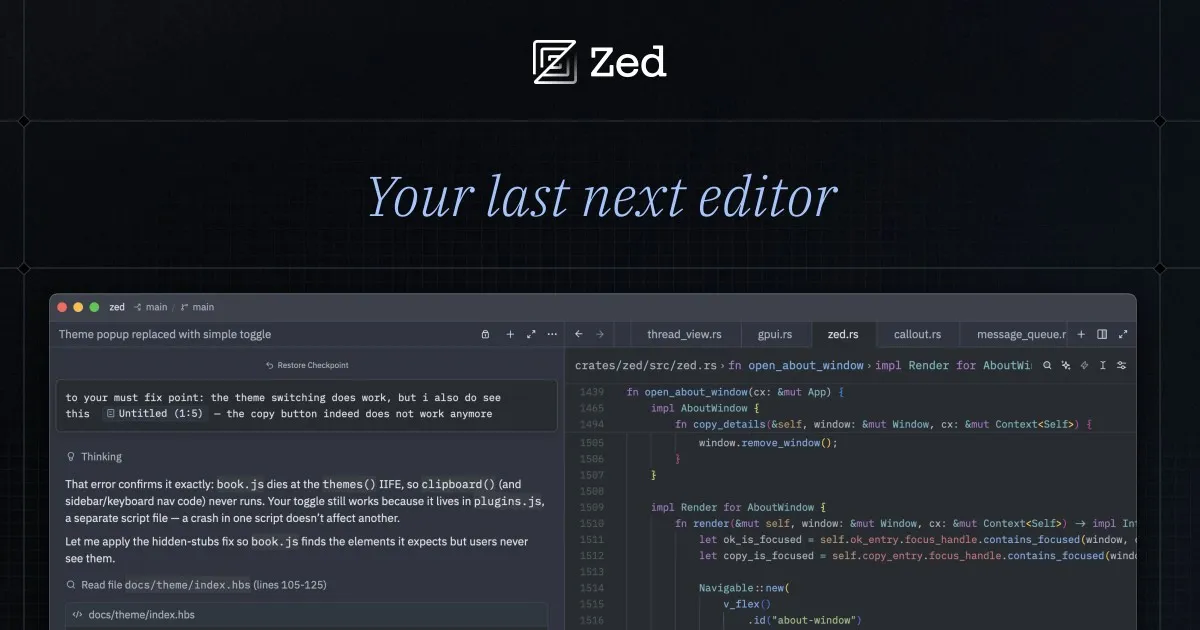
AI changed how I use a code editor
A few years ago, my workflow looked something like this:
- Open VS Code
- Write code
- Run terminal commands
- Debug
- Repeat
Today, it’s very different.
Most of my coding starts with an AI coding agent (I use PI!). I wrote more about why I chose Pi as my coding harness in another post. Instead of writing every line manually, I spend much more time reviewing code, making small edits, testing, and asking the agent to iterate.
The strange thing is, I don’t spend nearly as much time inside a code editor anymore.
That also means I value different things now.
Instead of asking:
Can this editor do everything?
I now ask:
Can this editor stay simple and not slow me down?
VS Code is still an amazing editor
Before I explain why I switched, I want to make something clear.
This isn’t a negative post about VS Code.
There are still many things VS Code does very well.
- Git integration is still one of my favorites.
- Settings Sync makes moving to a new device very easy.
- WSL integration is excellent.
- The extension ecosystem is hard to match.
- And I’ll probably miss the GitHub Theme the most. I’ve tried ports for terminals, AI tools, and other editors, but none of them feel quite the same.
If your workflow depends on Remote SSH, Dev Containers, dozens of extensions, or deep IDE features, VS Code is still a very strong choice.
It simply stopped fitting my workflow.
What started bothering me
Memory usage
This was my biggest complaint.
Even with no project opened, VS Code usually sits around 500–800 MB of memory on my machine.
Once I start working, open two or three integrated terminals, and run a development server, it isn’t unusual to see memory usage climb close to 2 GB.
My ThinkPad immediately lets me know.
The fan starts working hard.
Interestingly, startup time has never been a problem for me. VS Code launches reasonably fast.
It’s everything after launch that feels heavier than I’d like.
GitHub Copilot became more than I needed
I know GitHub Copilot has improved a lot.
Many people love the chat, agents, edits, and all the new AI features.
For me, I mainly wanted one thing:
Autocomplete.
That’s it.
The latest versions of VS Code allow disabling many AI features, but doing so also disables the autocomplete experience that I actually use every day.
It feels like using a tool with too many features when all I wanted was a good autocomplete tool.
The default UI feels busier than it needs to be
This is just my opinion.
Every time I install VS Code on a new machine, one of the first things I do is hide things.
Hide this.
Disable that.
Move this panel.
Remove that button.
Eventually I get it to a layout I like.
I just wish it started there.
Then I tried Zed
At first, I wasn’t looking for a replacement.
I had just heard so many good reviews about Zed, especially on X where I’m mostly active.
I was just curious.
After a few days, I noticed something.
I kept opening Zed instead of VS Code.
What I like about Zed
It feels instant
This is the biggest difference.
Startup is almost instant.
Scrolling feels smooth.
Typing feels responsive.
The editor does not distract me, which is exactly what I want.
Lightweight by default
As a front-end developer, I realized I barely needed any extensions.
Most of what I usually install in an editor is already covered. Even ESLint is natively supported in Zed, so there was no extension to install.
The only extra thing I really needed was language support for Astro.
That’s pretty much it.
Instead of building my editor step by step, I simply installed Zed and started working.
AI feels integrated instead of pushed
This one surprised me.
Zed has built-in AI features, but they don’t constantly interrupt me.
More importantly, I actually prefer its autocomplete over GitHub Copilot for my workflow.
I also like that the secondary sidebar can switch between the AI panel and the terminal.
My typical layout now looks like this:
- Left: File Explorer
- Center: Editor
- Right: AI panel or terminal
Since I use PI! as my coding agent, I usually switch that right side to the terminal and let the agent run there.
I can watch the agent work, review files, and make edits without constantly switching windows.
Themes
Most of the themes and icon packs I used in VS Code are also available in Zed.
The GitHub Theme isn’t quite the same—and yes, I’ll genuinely miss it—but I found alternatives that I’m happy with.
It’s not perfect
Zed still has some problems.
The biggest one I’ve experienced is its aggressive caching.
Sometimes my AI agent creates new files, but they don’t immediately appear in the file explorer.
The files exist.
Zed just hasn’t refreshed yet.
Usually a quick reload fixes it. But it is a small problem that reminds you the project is still young.
So… should everyone switch?
No.
I think this depends on your workflow.
If you’re a backend engineer relying on Remote SSH, Dev Containers, WSL, and a mature extension ecosystem, VS Code remains an excellent choice.
If AI has changed how you work, like it changed mine, you might start caring about different things.
I no longer need the editor with the most features.
I want the editor that launches instantly, stays lightweight, and lets me review and edit code without slowing me down.
For me, that’s Zed.
This is part of a broader AI coding workflow built around focused sessions and clear boundaries.
VS Code didn’t become worse.
My workflow changed.
And sometimes that’s all the reason you need to switch tools.